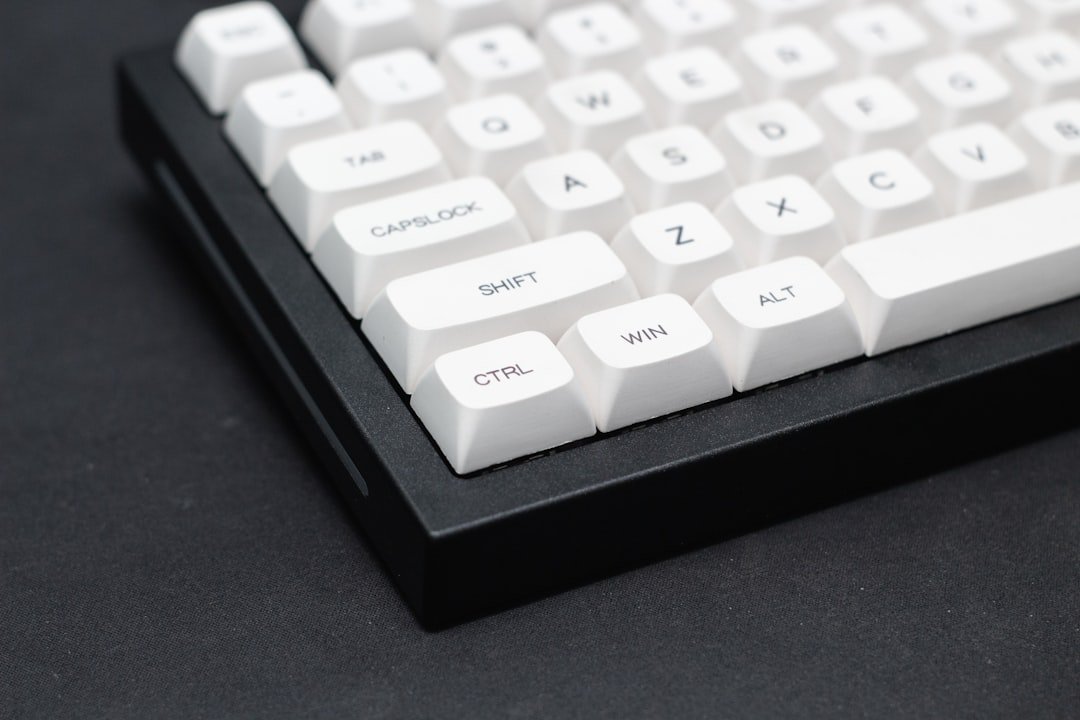
Gaming PCs are specialized computers designed to handle the demanding requirements of modern video games. Unlike standard desktop computers, gaming PCs are equipped with high-performance components that can process complex graphics, manage extensive data, and deliver smooth gameplay experiences. At the heart of a gaming PC is the graphics processing unit (GPU), which is responsible for rendering images and animations.
A powerful GPU allows for higher frame rates and better visual fidelity, making it essential for an immersive gaming experience. Additionally, gaming PCs typically feature faster processors (CPUs), ample RAM, and efficient cooling systems to prevent overheating during intense gaming sessions. Another critical aspect of gaming PCs is their expandability.
Gamers often seek systems that can be upgraded over time, allowing them to keep pace with evolving game requirements without needing to purchase an entirely new machine. This flexibility is particularly important given the rapid advancements in gaming technology. Furthermore, gaming PCs often come with customizable RGB lighting and aesthetic designs that appeal to gamers who want their setups to reflect their personal style.
Understanding these fundamentals is crucial for anyone looking to invest in a gaming PC, as it sets the stage for making informed decisions about components and configurations.
Setting a Realistic Budget for a Gaming PC
When embarking on the journey to purchase a gaming PC, setting a realistic budget is paramount. The gaming market offers a wide range of options, from entry-level systems to high-end rigs that can cost several thousand dollars. A well-defined budget helps narrow down choices and ensures that you invest in components that provide the best performance for your money.
It’s essential to consider not only the initial cost of the PC but also potential future upgrades and peripherals such as monitors, keyboards, and mice, which can significantly impact the overall gaming experience. To establish a budget, it’s helpful to research the current market prices for various components and pre-built systems. For instance, entry-level gaming PCs can start around $500 to $800, while mid-range systems typically fall between $800 and $1,500.
High-end gaming rigs can exceed $2,000, but they often come with top-of-the-line components that may not be necessary for casual gamers. By assessing your gaming needs—whether you plan to play AAA titles at high settings or enjoy indie games at lower resolutions—you can create a budget that aligns with your expectations and ensures you get the most value for your investment.
Components to Look for in Budget-Friendly Gaming PCs

When searching for budget-friendly gaming PCs, certain components should be prioritized to ensure optimal performance without breaking the bank. The GPU remains the most critical element; however, budget-conscious gamers should look for models that offer a good balance between price and performance. For example, graphics cards like the NVIDIA GeForce GTX 1650 or AMD Radeon RX 6500 XT provide solid performance for 1080p gaming without requiring a hefty investment.
These GPUs can handle most modern games at medium settings while maintaining playable frame rates. In addition to the GPU, the CPU plays a vital role in overall system performance. Processors such as the AMD Ryzen 5 5600G or Intel Core i5-11400 offer excellent performance for gaming and multitasking at a reasonable price point.
Furthermore, having at least 16GB of RAM is advisable for modern gaming; this amount allows for smoother gameplay and better multitasking capabilities. Storage is another consideration; opting for an SSD over an HDD can significantly improve load times and system responsiveness. A combination of a smaller SSD (for the operating system and frequently played games) alongside a larger HDD (for additional storage) can provide an effective solution for budget-conscious gamers.
The decision between purchasing a pre-built gaming PC or building one from scratch is a significant consideration for many gamers. Pre-built systems offer convenience and immediate usability; they come fully assembled and tested, allowing users to start gaming right out of the box. This option is particularly appealing for those who may not have technical expertise or time to research and assemble individual components.
Additionally, many manufacturers provide warranties and customer support, which can be reassuring for first-time buyers. On the other hand, building your own gaming PC can be a rewarding experience that allows for greater customization and potentially better value for money. By selecting each component based on personal preferences and budget constraints, gamers can tailor their systems to meet specific needs.
Building a PC also provides an opportunity to learn about hardware and gain insights into how different components interact with one another. However, this route requires careful planning and research to ensure compatibility among parts, as well as some technical know-how for assembly and troubleshooting. Ultimately, the choice between pre-built and custom builds depends on individual preferences regarding convenience versus personalization.
Best Budget-Friendly Gaming PCs on the Market
| Brand | Processor | RAM | Storage | Graphics Card | Price |
|---|---|---|---|---|---|
| HP Pavilion Gaming Desktop | AMD Ryzen 5 | 8GB | 256GB SSD | NVIDIA GeForce GTX 1650 | 699 |
| Dell G5 Gaming Desktop | Intel Core i5 | 8GB | 1TB HDD | NVIDIA GeForce GTX 1660 Ti | 799 |
| CYBERPOWERPC Gamer Xtreme VR Gaming PC | Intel Core i5 | 8GB | 240GB SSD + 1TB HDD | NVIDIA GeForce GTX 1660 | 899 |
Several budget-friendly gaming PCs have gained popularity due to their performance-to-price ratios. One notable option is the HP Pavilion Gaming Desktop, which often features AMD Ryzen processors paired with NVIDIA GTX graphics cards. This combination allows for decent performance in most modern games while remaining affordable.
Another strong contender is the CyberPowerPC Gamer Xtreme VR Gaming PC, which typically comes equipped with Intel Core i5 processors and GTX 1660 graphics cards, making it suitable for 1080p gaming at high settings. For those who prefer compact designs without sacrificing performance, the SkyTech Archangel Gaming Computer is worth considering. This system often includes Ryzen 5 processors and GTX 1660 Super graphics cards in a sleek chassis with RGB lighting.
Additionally, brands like iBUYPOWER offer customizable options that allow users to select components based on their specific needs while staying within budget constraints. These pre-built systems provide excellent starting points for gamers looking to enter the world of PC gaming without overspending.
Tips for Saving Money on Gaming PC Purchases
Saving money on gaming PC purchases requires strategic planning and awareness of market trends. One effective approach is to keep an eye out for sales events such as Black Friday, Cyber Monday, or back-to-school promotions when retailers often offer significant discounts on electronics. Additionally, subscribing to newsletters from major retailers or following tech blogs can provide insights into upcoming sales or exclusive deals.
Another way to save money is by considering refurbished or open-box items from reputable sellers. These products are often in excellent condition but come at reduced prices due to being returned or slightly used. Furthermore, opting for last-generation components can yield substantial savings without sacrificing too much performance; many gamers find that older GPUs still perform admirably in current titles.
Lastly, participating in online communities or forums dedicated to PC building can lead to valuable advice on where to find deals or even opportunities to purchase used components from fellow enthusiasts.
Upgrading Your Budget-Friendly Gaming PC
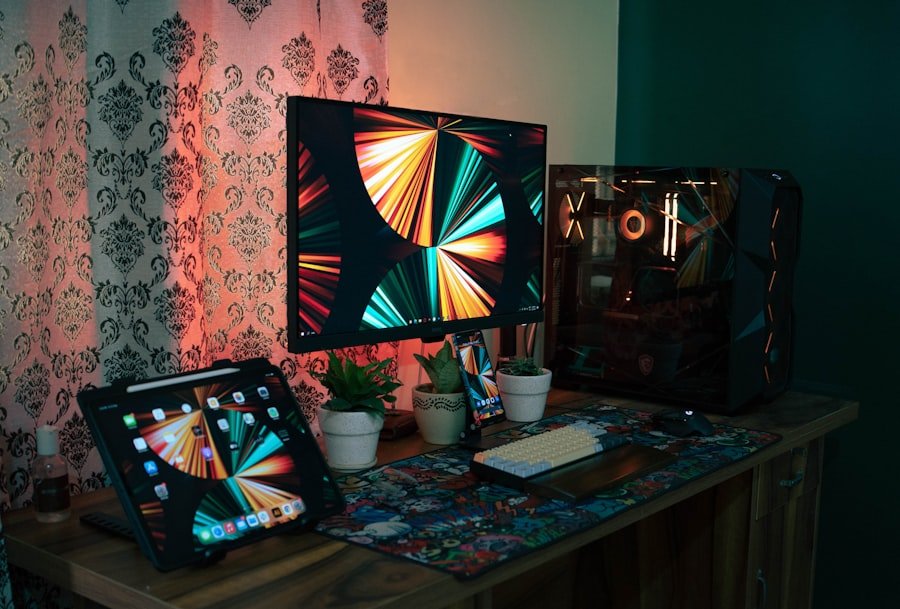
One of the significant advantages of owning a budget-friendly gaming PC is the potential for upgrades over time. As new games are released or existing titles receive updates that demand more resources, upgrading specific components can extend the lifespan of your system without requiring a complete overhaul. The most common upgrades include increasing RAM capacity, swapping out the GPU for a more powerful model, or adding additional storage solutions like SSDs.
For instance, if you initially built your system with 8GB of RAM but find that modern games are demanding more memory, upgrading to 16GB or even 32GB can significantly enhance performance during gameplay and multitasking scenarios. Similarly, if you started with an entry-level GPU but want to play more graphically intensive games at higher settings, investing in a mid-range graphics card can provide a noticeable improvement in frame rates and visual quality. Upgrading storage from an HDD to an SSD can also lead to faster load times and improved overall system responsiveness.
Getting the Most Out of Your Budget-Friendly Gaming PC
Maximizing the performance of your budget-friendly gaming PC involves not only hardware considerations but also software optimizations and maintenance practices. Regularly updating drivers—especially GPU drivers—can lead to improved performance in newer games as manufacturers release optimizations tailored to specific titles. Additionally, utilizing game optimization software can help configure settings based on your hardware capabilities, ensuring you achieve the best possible performance without manual adjustments.
Another essential aspect is maintaining your system’s cleanliness and cooling efficiency. Dust buildup can hinder airflow and lead to overheating issues; therefore, regularly cleaning fans and vents is crucial for sustaining optimal performance levels. Furthermore, monitoring system temperatures using software tools can help identify potential overheating problems before they escalate into hardware failures.
By implementing these practices alongside thoughtful upgrades, gamers can ensure their budget-friendly PCs continue delivering enjoyable experiences well into the future.
FAQs
What are affordable gaming PCs for beginners?
Affordable gaming PCs for beginners are entry-level gaming computers that are budget-friendly and suitable for those who are new to PC gaming.
What are the key features to look for in affordable gaming PCs for beginners?
Key features to look for in affordable gaming PCs for beginners include a dedicated graphics card, sufficient RAM (at least 8GB), a decent processor (such as an Intel Core i5 or AMD Ryzen 5), and ample storage space (at least 500GB SSD or 1TB HDD).
What is the average price range for affordable gaming PCs for beginners?
The average price range for affordable gaming PCs for beginners is typically between $500 to $800, although prices may vary depending on the specific specifications and brand.
Are affordable gaming PCs for beginners upgradable?
Yes, many affordable gaming PCs for beginners are designed to be upgradable, allowing users to easily add more RAM, upgrade the graphics card, or install additional storage in the future.
What are some reputable brands that offer affordable gaming PCs for beginners?
Some reputable brands that offer affordable gaming PCs for beginners include Acer, Dell, HP, Lenovo, and CyberPowerPC. These brands often provide reliable and budget-friendly options for entry-level gamers.