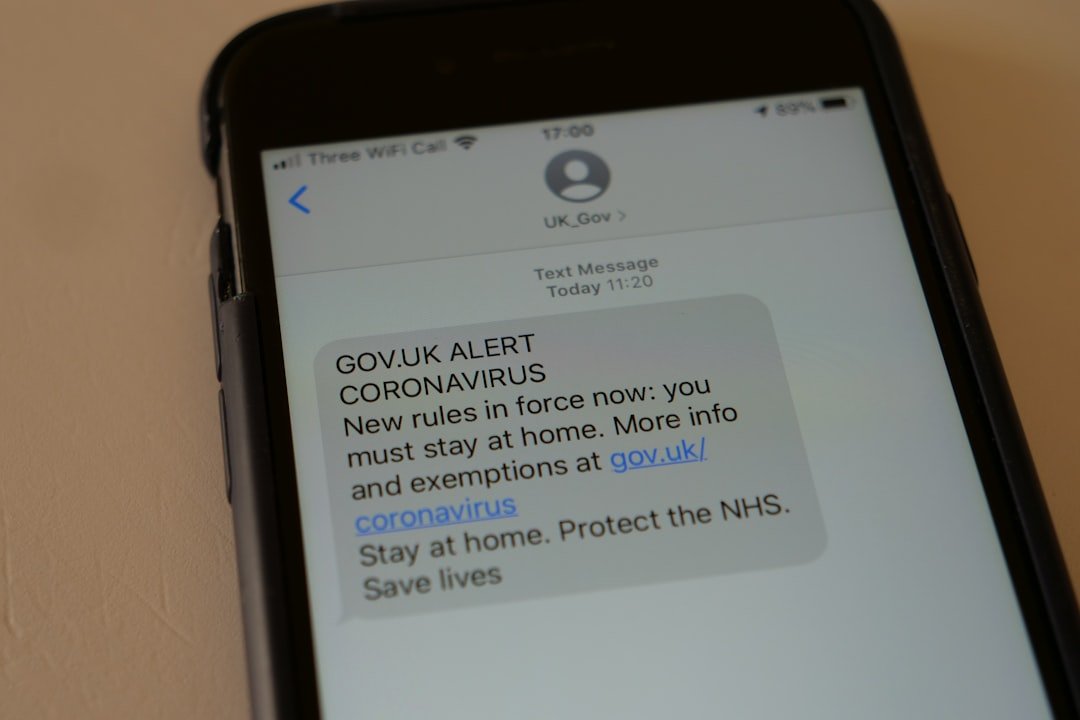
Spam calls, often referred to as robocalls, are unsolicited phone calls that typically aim to sell products or services, solicit donations, or engage in fraudulent activities. These calls can originate from various sources, including telemarketers, scammers, and even automated systems that dial numbers randomly. The sheer volume of spam calls has surged in recent years, with estimates suggesting that billions of such calls are made annually.
This phenomenon has become a significant nuisance for consumers, leading to frustration and a general sense of distrust towards phone communications. The tactics employed by spammers are increasingly sophisticated. Many spam calls use caller ID spoofing, which allows the caller to disguise their true identity by displaying a different number on the recipient’s phone.
This can make it difficult for individuals to discern legitimate calls from fraudulent ones. Additionally, spammers often employ high-pressure sales tactics or create a sense of urgency to manipulate recipients into providing personal information or making hasty decisions. The consequences of falling victim to these scams can be severe, ranging from financial loss to identity theft, underscoring the importance of understanding and addressing the issue of spam calls.
Built-in Features: How to Block Numbers on Android
Android devices come equipped with a variety of built-in features designed to help users manage unwanted calls effectively. One of the most straightforward methods to block spam calls is through the phone app itself. Users can easily block specific numbers by accessing their call history, selecting the unwanted number, and choosing the option to block it.
This action prevents future calls from that number, providing immediate relief from persistent spammers. In addition to blocking individual numbers, Android devices also offer features that can help filter out potential spam calls automatically. Many Android phones have a “Caller ID and Spam Protection” feature that identifies and warns users about suspected spam calls before they even ring through.
This feature relies on a database of known spam numbers and can significantly reduce the number of unwanted calls reaching your device. Users can enable this feature in their phone settings, allowing them to take a proactive approach in managing their call experience.
Third-Party Apps: Using External Tools to Block Spam Calls

While built-in features on Android devices provide a solid foundation for blocking spam calls, many users opt for third-party applications that offer enhanced functionality and customization options. Numerous apps are available on the Google Play Store specifically designed to combat spam calls. These applications often utilize extensive databases of known spam numbers and employ advanced algorithms to identify and block unwanted calls effectively.
One popular example is Truecaller, an app that not only identifies incoming calls but also allows users to block specific numbers and report spam. Truecaller’s community-driven approach means that users contribute to its database by reporting spam calls, which helps improve its accuracy over time. Another noteworthy app is Hiya, which offers similar features and focuses on providing real-time alerts for potential spam calls.
By leveraging these third-party tools, users can gain greater control over their call experience and significantly reduce the frequency of unwanted interruptions.
Reporting Spam Calls: How to Help Prevent Future Spam Calls
| Method | Effectiveness |
|---|---|
| Do Not Call Registry | High |
| Call Blocking Apps | Medium |
| Reporting to FCC | High |
| Phone Carrier Blocking | Low |
Reporting spam calls is a crucial step in combating this pervasive issue. When individuals report spam numbers, they contribute valuable information that can help authorities and service providers take action against these malicious callers. In many countries, there are dedicated platforms where users can report spam calls, such as the Federal Trade Commission (FTC) in the United States or the Telephone Preference Service (TPS) in the UK.
These organizations collect data on reported spam numbers and work towards implementing measures to reduce their prevalence. In addition to reporting to governmental agencies, many phone service providers have their own systems for reporting spam calls. Users can often report unwanted calls directly through their phone app or by contacting customer support.
By actively participating in these reporting mechanisms, individuals not only protect themselves but also contribute to a broader effort aimed at reducing spam calls for everyone. This collective action can lead to more effective regulations and technological advancements in call-blocking solutions.
Do Not Disturb Mode: Using this Feature to Avoid Spam Calls
The Do Not Disturb (DND) mode is a powerful feature available on most smartphones that allows users to silence all incoming calls except those from designated contacts. This feature can be particularly useful for individuals who receive a high volume of spam calls but still want to ensure they do not miss important communications from friends, family, or colleagues. By enabling DND mode and customizing the settings, users can create a buffer against unwanted interruptions while maintaining access to essential contacts.
To set up DND mode effectively, users can typically navigate to their device’s settings and select which contacts are allowed to bypass the silencing feature. This customization ensures that only trusted numbers can reach the user while all other calls are muted. Additionally, some devices allow users to schedule DND mode for specific times, such as during work hours or overnight, further enhancing its utility as a tool for managing spam calls.
Creating Whitelists: Allowing Only Certain Numbers to Call You
Creating a whitelist is an effective strategy for individuals who want to take control of their incoming calls by allowing only specific numbers to reach them. A whitelist is essentially a curated list of approved contacts whose calls will always come through, while all other numbers are blocked or sent directly to voicemail. This approach can be particularly beneficial for those who receive frequent spam calls or who prefer minimal distractions from their phones.
To create a whitelist on an Android device, users can typically access their phone settings and navigate to the call blocking or Do Not Disturb options. From there, they can add trusted contacts to the whitelist, ensuring that only these individuals can reach them directly. This method not only reduces the likelihood of receiving spam calls but also fosters a more focused communication environment by minimizing unnecessary interruptions from unknown numbers.
Updating Your Contacts: Keeping Your Contact List Current
Maintaining an up-to-date contact list is essential in managing incoming calls effectively. Regularly reviewing and updating contacts ensures that important numbers are easily accessible while also allowing users to identify any potential spam or unknown callers more readily. When contact lists are current, individuals can quickly recognize familiar names and numbers, reducing the chances of mistakenly answering a spam call.
Moreover, updating contacts can involve removing outdated or irrelevant entries that may no longer be necessary. For instance, if a user has previously saved a number associated with a business that they no longer engage with, deleting this entry can help streamline incoming calls and reduce confusion when receiving calls from similar numbers in the future. By keeping contact lists organized and current, users enhance their ability to manage their phone communications effectively.
Seeking Legal Help: What to Do if You’re Still Getting Spam Calls
Despite implementing various strategies to block and manage spam calls, some individuals may still find themselves inundated with unwanted communications. In such cases, seeking legal help may be necessary to address persistent issues with spam callers. Many countries have laws in place designed to protect consumers from harassment through unsolicited phone calls, such as the Telephone Consumer Protection Act (TCPA) in the United States.
Individuals who continue to receive spam calls after taking appropriate measures may consider consulting with legal professionals who specialize in consumer protection or telecommunications law. These experts can provide guidance on potential legal actions against persistent offenders and help individuals understand their rights regarding unsolicited communications. Additionally, legal avenues may include filing complaints with regulatory agencies or pursuing lawsuits against companies that violate telemarketing regulations.
By taking these steps, individuals can assert their rights and seek resolution in the face of ongoing spam call harassment.
FAQs
What are spam calls?
Spam calls are unsolicited and unwanted phone calls, often from telemarketers or scammers, that attempt to sell products or services or gather personal information.
Why is it important to block spam calls on Android?
Blocking spam calls on Android is important to avoid being interrupted by unwanted calls, protect personal information, and prevent falling victim to phone scams.
How can I block spam calls on my Android device?
You can block spam calls on your Android device by using built-in call blocking features, downloading a call blocking app from the Google Play Store, or by registering your number on the National Do Not Call Registry.
What are some built-in call blocking features on Android?
Many Android devices have built-in call blocking features that allow users to block specific numbers, enable “Do Not Disturb” mode, or use the “Call Screening” feature to filter out spam calls.
Are there any call blocking apps available for Android?
Yes, there are several call blocking apps available for Android devices, such as Truecaller, Hiya, and Mr. Number, which can help identify and block spam calls.
How can I register my number on the National Do Not Call Registry?
You can register your number on the National Do Not Call Registry by visiting the official website at donotcall.gov or by calling 1-888-382-1222 from the phone number you wish to register.