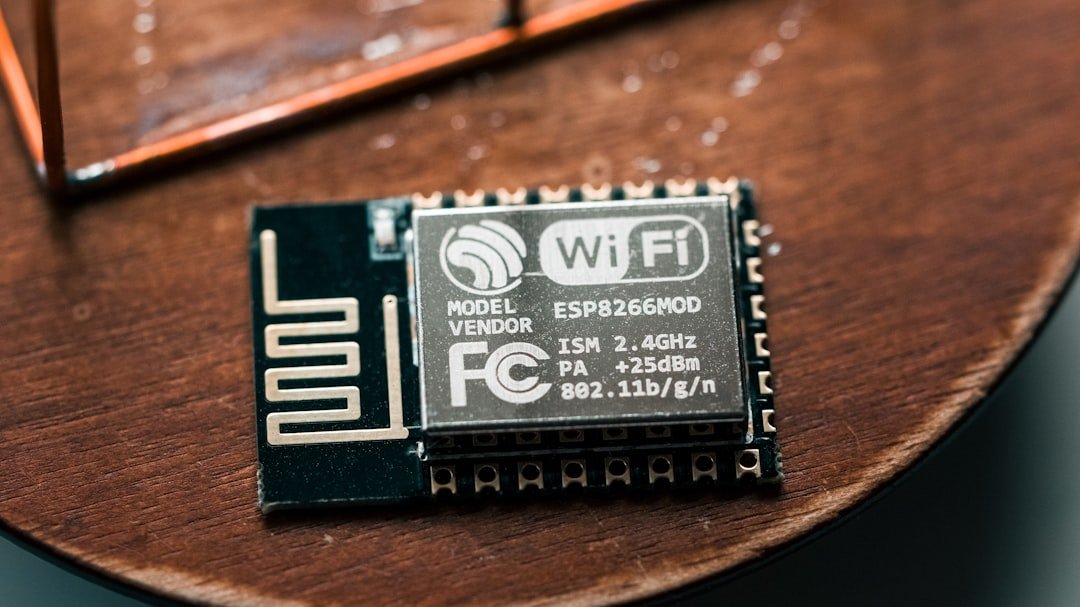
Wi-Fi technology has revolutionized the way we connect to the internet, allowing for wireless access in homes, offices, and public spaces. However, the effectiveness of Wi-Fi is inherently tied to its range, which can be influenced by various factors. The standard range of a Wi-Fi signal can vary significantly depending on the frequency band being used.
For instance, the 2.4 GHz band typically offers a longer range but at lower speeds, while the 5 GHz band provides faster speeds but with a shorter range. This dichotomy means that users must often make a choice between speed and coverage, depending on their specific needs. Moreover, physical obstructions can severely limit Wi-Fi range.
Walls, floors, and furniture can absorb or reflect signals, leading to dead zones where connectivity is weak or nonexistent. Additionally, interference from other electronic devices, such as microwaves and cordless phones, can disrupt Wi-Fi signals. Understanding these limitations is crucial for anyone looking to optimize their wireless network.
By recognizing the factors that affect Wi-Fi range, users can take proactive steps to enhance their connectivity and ensure a more reliable internet experience.
Choosing the Right Wi-Fi Extender
When it comes to extending Wi-Fi coverage, selecting the right Wi-Fi extender is paramount. Not all extenders are created equal; they vary in terms of range, speed capabilities, and compatibility with existing networks. A key consideration is the extender’s compatibility with the router’s frequency bands.
For example, if a user has a dual-band router, opting for a dual-band extender can help maintain optimal speeds across both 2.4 GHz and 5 GHz bands. This ensures that devices connected to the extender can benefit from the same performance levels as those connected directly to the router. Another important factor is the extender’s maximum throughput.
This metric indicates how much data the extender can handle at once and is typically measured in megabits per second (Mbps). Users should look for extenders that offer high throughput ratings to ensure that they can support multiple devices simultaneously without significant drops in performance. Additionally, features such as Ethernet ports for wired connections and support for advanced technologies like beamforming can enhance the overall effectiveness of an extender.
By carefully evaluating these specifications, users can select an extender that meets their specific needs and enhances their Wi-Fi experience.
Placement and Positioning of Wi-Fi Extenders
The placement of a Wi-Fi extender plays a critical role in its effectiveness. Ideally, an extender should be positioned within the range of the existing router’s signal while also being close enough to the area that requires coverage. A common mistake is placing the extender too far from the router, which can result in a weak signal being amplified rather than a strong one being extended.
To find the optimal location, users can utilize smartphone apps or built-in router features that measure signal strength. In addition to distance from the router, environmental factors must also be considered when positioning an extender. For instance, placing an extender near large metal objects or electronic devices that emit interference can degrade performance.
Elevating the extender by placing it on a shelf or mounting it on a wall can also improve signal distribution throughout a space. Furthermore, avoiding corners and enclosed spaces will help ensure that the signal can propagate more freely. By strategically positioning extenders, users can maximize their effectiveness and achieve better overall coverage.
Upgrading Your Router for Better Coverage
| Router Model | Coverage Area | Max Speed | Price |
|---|---|---|---|
| Linksys AC1900 | Up to 1,500 sq ft | 1.9 Gbps | 129.99 |
| Netgear Nighthawk AX12 | Up to 3,500 sq ft | 6 Gbps | 299.99 |
| Asus RT-AC88U | Up to 5,000 sq ft | 3.1 Gbps | 249.99 |
Sometimes, extending Wi-Fi coverage requires more than just adding an extender; it may necessitate upgrading the router itself. Older routers may not support modern standards such as 802.11ac or 802.11ax (Wi-Fi 6), which offer improved speed and range capabilities compared to their predecessors. Upgrading to a newer model can significantly enhance network performance, especially in environments with multiple connected devices or high-bandwidth activities like streaming and gaming.
When considering a router upgrade, users should look for features such as multiple antennas for better signal distribution and MU-MIMO (Multi-User Multiple Input Multiple Output) technology, which allows multiple devices to communicate with the router simultaneously without sacrificing speed. Additionally, routers with advanced QoS (Quality of Service) settings enable users to prioritize bandwidth for specific applications or devices, ensuring that critical tasks receive the necessary resources. By investing in a modern router equipped with these features, users can lay a solid foundation for improved Wi-Fi coverage throughout their homes or offices.
Using Mesh Wi-Fi Systems for Seamless Coverage
For those seeking comprehensive coverage without dead zones, mesh Wi-Fi systems present an attractive solution. Unlike traditional extenders that merely amplify an existing signal, mesh systems consist of multiple nodes that work together to create a unified network. Each node communicates with one another to provide seamless coverage across large areas, making them ideal for larger homes or spaces with challenging layouts.
One of the standout features of mesh systems is their ability to maintain consistent speeds as users move throughout their environment. This is achieved through intelligent routing algorithms that automatically connect devices to the nearest node with the strongest signal. Additionally, many mesh systems come equipped with user-friendly mobile apps that allow for easy setup and management of network settings.
This level of convenience and performance makes mesh Wi-Fi systems an increasingly popular choice for those looking to eliminate connectivity issues and enjoy uninterrupted internet access.
Optimizing Wi-Fi Settings for Maximum Range

To achieve optimal Wi-Fi range and performance, users should consider adjusting various settings on their routers and extenders. One of the most effective adjustments is changing the channel used by the router. In densely populated areas where many networks operate on similar channels, interference can occur, leading to reduced performance.
By accessing the router’s settings and selecting a less congested channel—often found through network analysis tools—users can improve their connection quality. Another important setting to consider is the transmission power of the router or extender. Some devices allow users to adjust this setting to increase signal strength over longer distances.
However, it’s essential to strike a balance; excessively high transmission power can lead to interference with neighboring networks. Additionally, enabling features such as beamforming can help direct signals toward connected devices rather than broadcasting them in all directions indiscriminately. By fine-tuning these settings, users can significantly enhance their Wi-Fi range and overall network performance.
DIY Solutions for Extending Wi-Fi Range
For those who prefer hands-on approaches or are looking for cost-effective solutions to extend their Wi-Fi range, several DIY methods can be employed. One popular technique involves creating a simple parabolic reflector using materials like aluminum foil or cardboard covered with foil. By shaping this reflector behind the router’s antennas, users can direct more of the signal toward specific areas where coverage is weak.
Another DIY solution is using an old router as a secondary access point or extender. Many routers have settings that allow them to function in this capacity; by connecting them via Ethernet cable to the primary router or configuring them wirelessly as extenders, users can effectively expand their network’s reach without purchasing new equipment. This approach not only saves money but also repurposes older technology that might otherwise go unused.
Troubleshooting Common Wi-Fi Range Issues
Despite best efforts to optimize Wi-Fi coverage, users may still encounter issues related to range and connectivity. One common problem is experiencing intermittent drops in connection or slow speeds in certain areas of a home or office. To troubleshoot this issue, users should first check for physical obstructions that may be interfering with signals—such as walls or large furniture—and consider relocating either the router or any extenders.
Another frequent issue arises from network congestion due to multiple devices competing for bandwidth. In such cases, users should assess which devices are consuming significant amounts of data and consider implementing QoS settings on their routers to prioritize essential applications like video conferencing or online gaming over less critical activities like file downloads. Regularly updating firmware on routers and extenders is also crucial; manufacturers often release updates that improve performance and security features.
By systematically addressing these common issues, users can enhance their overall Wi-Fi experience and maintain reliable connectivity throughout their spaces.
FAQs
What are some common ways to extend Wi-Fi range at home?
Some common ways to extend Wi-Fi range at home include using a Wi-Fi extender, upgrading to a mesh Wi-Fi system, repositioning the router, using a high-gain antenna, and reducing interference from other devices.
What is a Wi-Fi extender and how does it work?
A Wi-Fi extender, also known as a range extender, is a device that amplifies the existing Wi-Fi signal and rebroadcasts it to extend the coverage area. It works by connecting to the existing Wi-Fi network and creating a new network with its own extended coverage.
What is a mesh Wi-Fi system and how does it work?
A mesh Wi-Fi system is a network of interconnected devices that work together to provide seamless Wi-Fi coverage throughout a home. Each device, or node, communicates with the others to create a unified network, eliminating dead zones and providing consistent coverage.
How can repositioning the router help extend Wi-Fi range?
Repositioning the router to a central location in the home, away from obstructions and interference, can help improve Wi-Fi coverage. Placing the router at an elevated position and avoiding placement near metal objects or electronic devices can also help extend the Wi-Fi range.
What is a high-gain antenna and how can it help extend Wi-Fi range?
A high-gain antenna is designed to focus and direct the Wi-Fi signal in a specific direction, increasing the signal strength and extending the range. Replacing the standard antenna on a router with a high-gain antenna can help improve Wi-Fi coverage in a specific area.
How can interference from other devices affect Wi-Fi range, and how can it be reduced?
Interference from other devices, such as cordless phones, microwaves, and Bluetooth devices, can disrupt the Wi-Fi signal and reduce its range. To reduce interference, it is recommended to move Wi-Fi devices away from potential sources of interference and use Wi-Fi channels that are less congested.