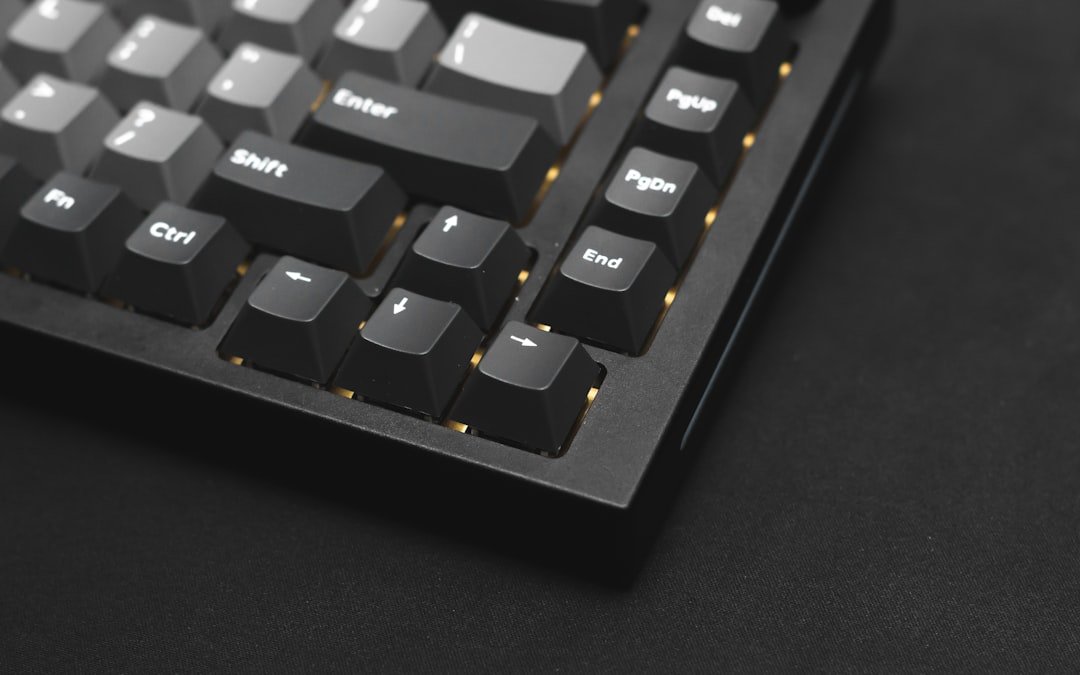
The evolution of gaming peripherals has been nothing short of remarkable, with gaming keyboards standing out as one of the most significant advancements in the gaming experience. Unlike standard keyboards, gaming keyboards are designed with specific features that cater to the needs of gamers, enhancing both performance and comfort. These keyboards often incorporate advanced technology, ergonomic designs, and customizable features that allow players to tailor their setup to their unique preferences.
As gaming has transitioned from a casual pastime to a competitive sport, the demand for high-quality gaming keyboards has surged, leading to a diverse market filled with options that promise to elevate gameplay. Gaming keyboards are not merely tools for input; they are integral components of a gamer’s arsenal. The tactile feedback, response time, and durability of these keyboards can significantly impact a player’s performance in fast-paced environments.
Whether it’s the thrill of an online battle royale or the intricate maneuvers required in a real-time strategy game, the right keyboard can make all the difference. With the rise of esports and competitive gaming, understanding the nuances of gaming keyboards has become essential for both casual players and professional gamers alike.
What to Look for in a Gaming Keyboard
When selecting a gaming keyboard, several key factors should be considered to ensure that it meets your specific needs. One of the most critical aspects is the type of switches used in the keyboard. Mechanical switches are often favored for their tactile feedback and durability, providing a satisfying click with each keystroke.
Different types of mechanical switches, such as Cherry MX, Razer, or Romer-G, offer varying levels of resistance and sound, allowing users to choose based on personal preference. For instance, Cherry MX Red switches are known for their smooth keystrokes and low actuation force, making them ideal for rapid key presses in fast-paced games. Another important consideration is the keyboard’s build quality and design.
A sturdy construction not only enhances durability but also contributes to a more stable typing experience. Keyboards with aluminum frames or reinforced plastic housings tend to withstand the rigors of intense gaming sessions better than their cheaper counterparts. Additionally, ergonomic features such as wrist rests and adjustable heights can significantly improve comfort during long hours of gameplay.
A well-designed keyboard can help prevent strain and fatigue, allowing gamers to maintain peak performance without discomfort.
Top Features of Gaming Keyboards for Lightning-Fast Typing
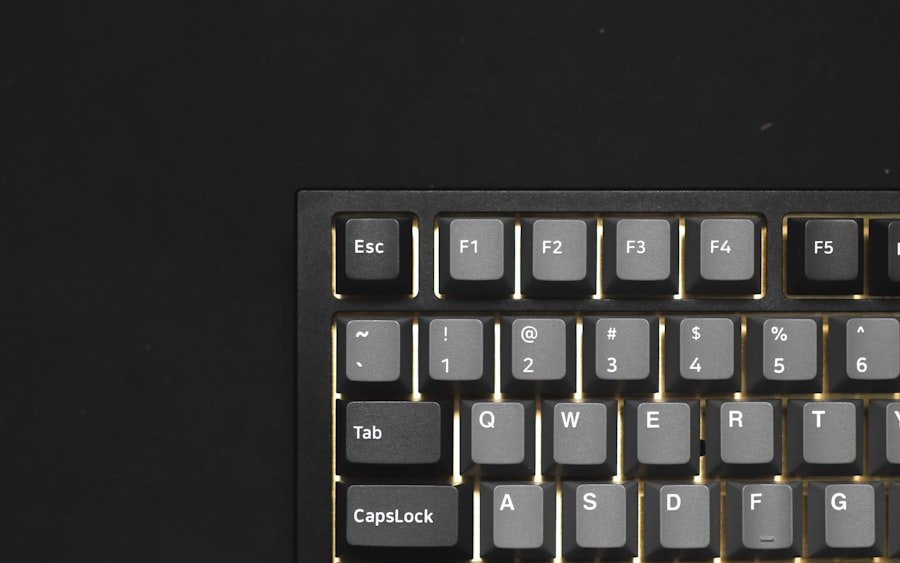
Gaming keyboards come equipped with a variety of features that enhance typing speed and overall performance. One standout feature is anti-ghosting technology, which allows multiple keys to be pressed simultaneously without any missed inputs. This is particularly crucial in gaming scenarios where quick combinations of keys are necessary for executing complex maneuvers or commands.
For example, in first-person shooters, players often need to sprint while aiming and shooting, requiring multiple keys to be registered at once. Another feature that contributes to lightning-fast typing is customizable RGB lighting. While this may seem purely aesthetic, it can serve practical purposes as well.
Many gaming keyboards allow users to program specific colors or effects for different keys or profiles, making it easier to identify critical commands at a glance. This visual cue can be especially beneficial in high-stakes situations where every millisecond counts. Furthermore, some keyboards offer dedicated macro keys that can be programmed with complex commands or sequences, allowing for rapid execution without the need for multiple keystrokes.
Comparison of the Best Gaming Keyboards on the Market
| Keyboard Model | Switch Type | Backlighting | Programmable Keys | Price |
|---|---|---|---|---|
| Razer BlackWidow Elite | Razer Green Mechanical Switches | Razer Chroma RGB | 5 dedicated macro keys | 129.99 |
| Corsair K95 RGB Platinum XT | Cherry MX Speed | Per-key RGB backlighting | 6 dedicated macro keys | 199.99 |
| Logitech G Pro X | Swappable GX Blue Clicky Switches | RGB Lighting | 12 programmable F-keys | 149.99 |
The market is saturated with gaming keyboards, each boasting unique features and specifications. Among the top contenders is the Corsair K95 RGB Platinum, which combines a robust aluminum frame with Cherry MX mechanical switches for exceptional performance. This keyboard features customizable RGB lighting and dedicated macro keys, making it a favorite among gamers who require precision and speed.
Its comfortable wrist rest adds an extra layer of ergonomics, ensuring that players can game for extended periods without discomfort. Another noteworthy option is the Razer Huntsman Elite, which utilizes Razer’s proprietary Opto-Mechanical switches. These switches use light-based actuation to register key presses almost instantaneously, providing an edge in competitive gaming scenarios.
The Huntsman Elite also features customizable RGB lighting and a plush wrist rest, making it both functional and aesthetically pleasing. In contrast, the Logitech G Pro X offers a compact design ideal for gamers who prefer portability without sacrificing performance. It features hot-swappable switches, allowing users to customize their typing experience by easily changing out switches based on their preferences.
Reviews of the Top Gaming Keyboards for Typing Speed
In terms of typing speed and overall performance, the SteelSeries Apex Pro stands out due to its innovative adjustable mechanical switches. Users can customize the actuation point of each key, allowing for a tailored typing experience that can enhance both gaming and general typing tasks. This feature is particularly beneficial for those who switch between different types of games or applications frequently.
The Apex Pro also boasts an aluminum frame and customizable RGB lighting, making it both durable and visually appealing. The HyperX Alloy Elite 2 is another excellent choice for those focused on typing speed. It features Cherry MX mechanical switches known for their reliability and responsiveness.
The keyboard’s solid steel frame ensures stability during intense gaming sessions, while its customizable lighting effects add a personal touch. Users have praised its comfortable wrist rest and overall build quality, making it suitable for long typing sessions as well as gaming marathons.
Tips for Choosing the Right Gaming Keyboard for Your Needs
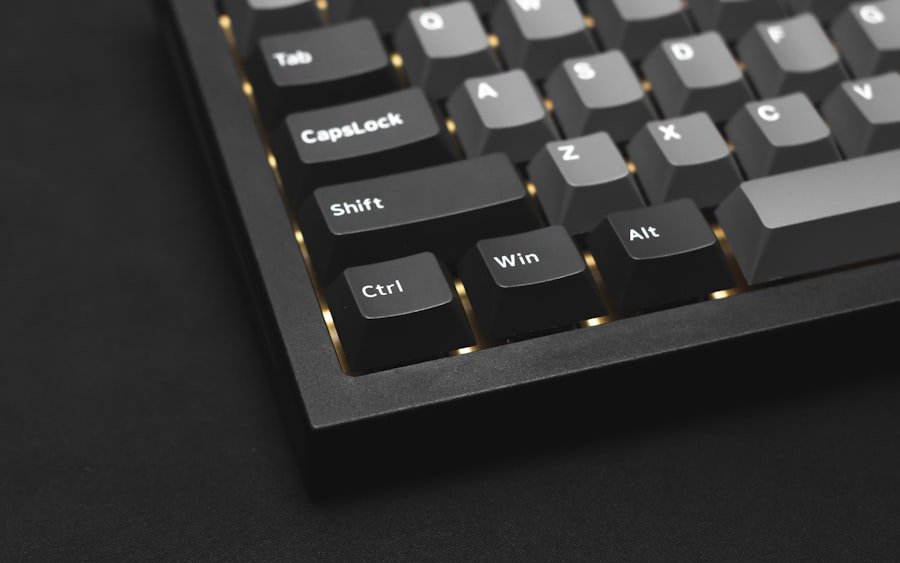
Selecting the right gaming keyboard involves understanding your specific requirements and preferences. First and foremost, consider the types of games you play most frequently. If you are primarily a first-person shooter enthusiast, you may benefit from a keyboard with fast actuation switches and anti-ghosting capabilities.
On the other hand, if you enjoy MMORPGs or strategy games that require extensive key mapping, look for keyboards with programmable macro keys and customizable layouts. Additionally, think about your workspace setup and whether you prefer a full-sized keyboard or a more compact option. Full-sized keyboards offer additional keys and functionality but may take up more desk space.
Compact keyboards can be more portable and provide a cleaner aesthetic but may lack some features found in larger models. Finally, don’t overlook the importance of comfort; investing in a keyboard with ergonomic features can significantly enhance your overall experience during long gaming sessions.
How to Improve Typing Speed with a Gaming Keyboard
Improving typing speed using a gaming keyboard involves both practice and familiarity with the keyboard’s layout and features. One effective method is to engage in regular typing exercises that focus on accuracy and speed. Online platforms offer various typing tests that can help track progress over time while providing structured practice sessions tailored to different skill levels.
Additionally, take advantage of the customizable features offered by many gaming keyboards. For instance, programming frequently used commands or shortcuts into macro keys can streamline your workflow and reduce the number of keystrokes required during gameplay or typing tasks. Familiarizing yourself with these shortcuts can lead to more efficient typing habits over time.
Conclusion and Final Recommendations
In summary, gaming keyboards have become essential tools for both gamers and typists alike due to their specialized features designed to enhance performance and comfort. When choosing a gaming keyboard, consider factors such as switch type, build quality, and ergonomic design to find one that suits your needs best. With numerous options available on the market today—from high-end models like the Corsair K95 RGB Platinum to more compact choices like the Logitech G Pro X—there is something for everyone.
Ultimately, investing in a quality gaming keyboard can significantly improve your typing speed and overall gaming experience. By understanding your preferences and utilizing the features available on these keyboards effectively, you can elevate your performance whether you’re engaged in competitive gaming or simply typing up documents at home.
FAQs
What are the key features to look for in a gaming keyboard for fast typing?
Some key features to look for in a gaming keyboard for fast typing include mechanical switches for tactile feedback and durability, anti-ghosting technology to prevent key input errors during fast typing, and customizable backlighting for better visibility in low-light environments.
What are the benefits of using a gaming keyboard for fast typing?
Using a gaming keyboard for fast typing can provide benefits such as improved typing speed and accuracy, better tactile feedback for a more satisfying typing experience, and customizable features to enhance productivity and comfort during long typing sessions.
How do mechanical switches in gaming keyboards contribute to fast typing?
Mechanical switches in gaming keyboards contribute to fast typing by providing tactile feedback and a distinct actuation point, allowing for quicker and more accurate typing. They also offer better durability and longevity compared to membrane keyboards.
What is anti-ghosting technology in gaming keyboards and how does it help with fast typing?
Anti-ghosting technology in gaming keyboards prevents key input errors that can occur during fast typing, ensuring that all keystrokes are registered accurately even when multiple keys are pressed simultaneously. This can help improve typing speed and accuracy.
Are there specific gaming keyboards designed for fast typing?
Yes, there are gaming keyboards specifically designed with features to enhance fast typing, such as responsive mechanical switches, customizable key actuation points, and ergonomic designs for comfort during extended typing sessions. These keyboards are often marketed as “gaming keyboards for fast typing” or “typing-focused gaming keyboards.”